Why Does Apple CarPlay Keep Disconnecting? Understanding Wired vs Wireless CarPlay
Posted on |
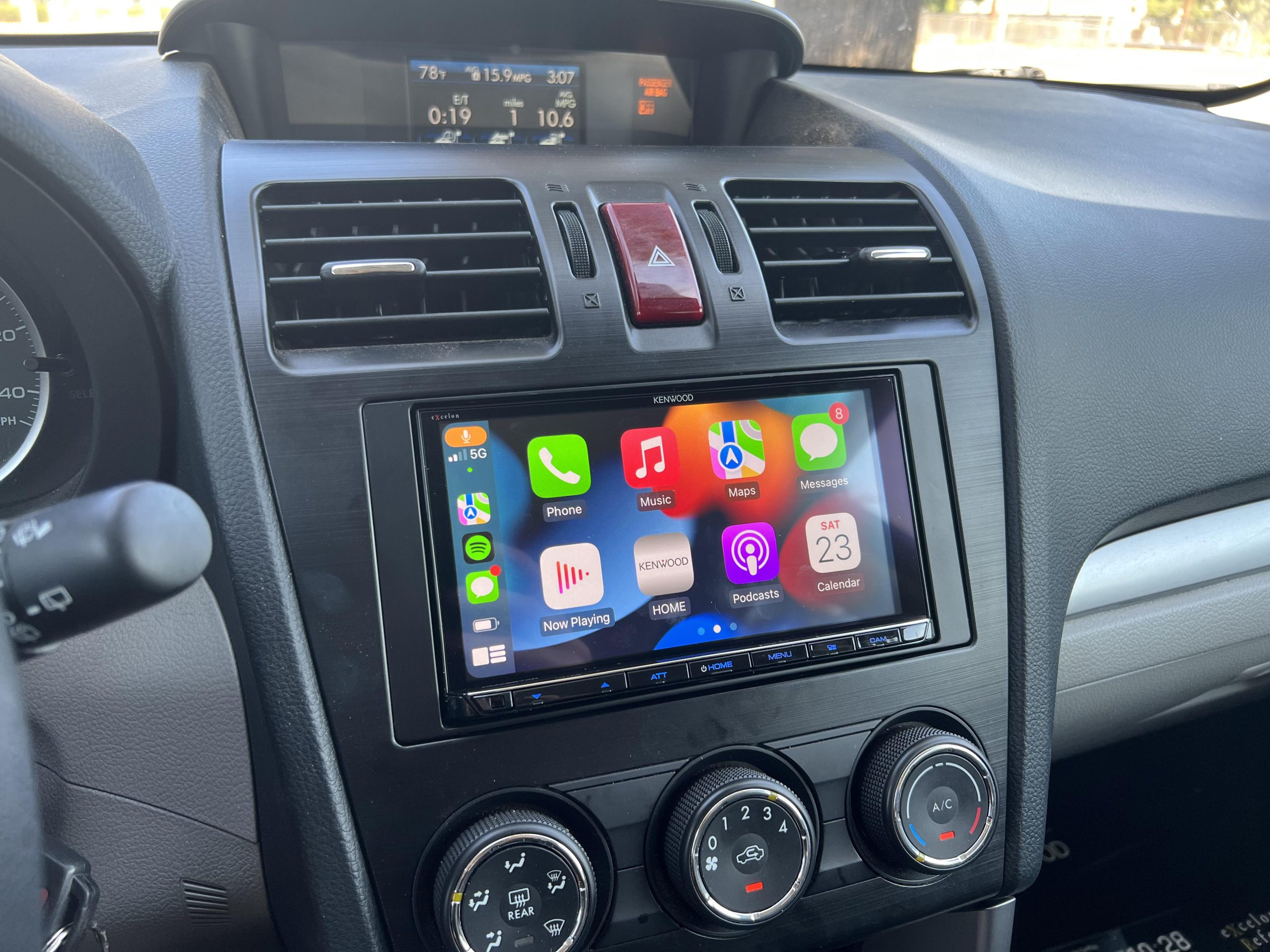
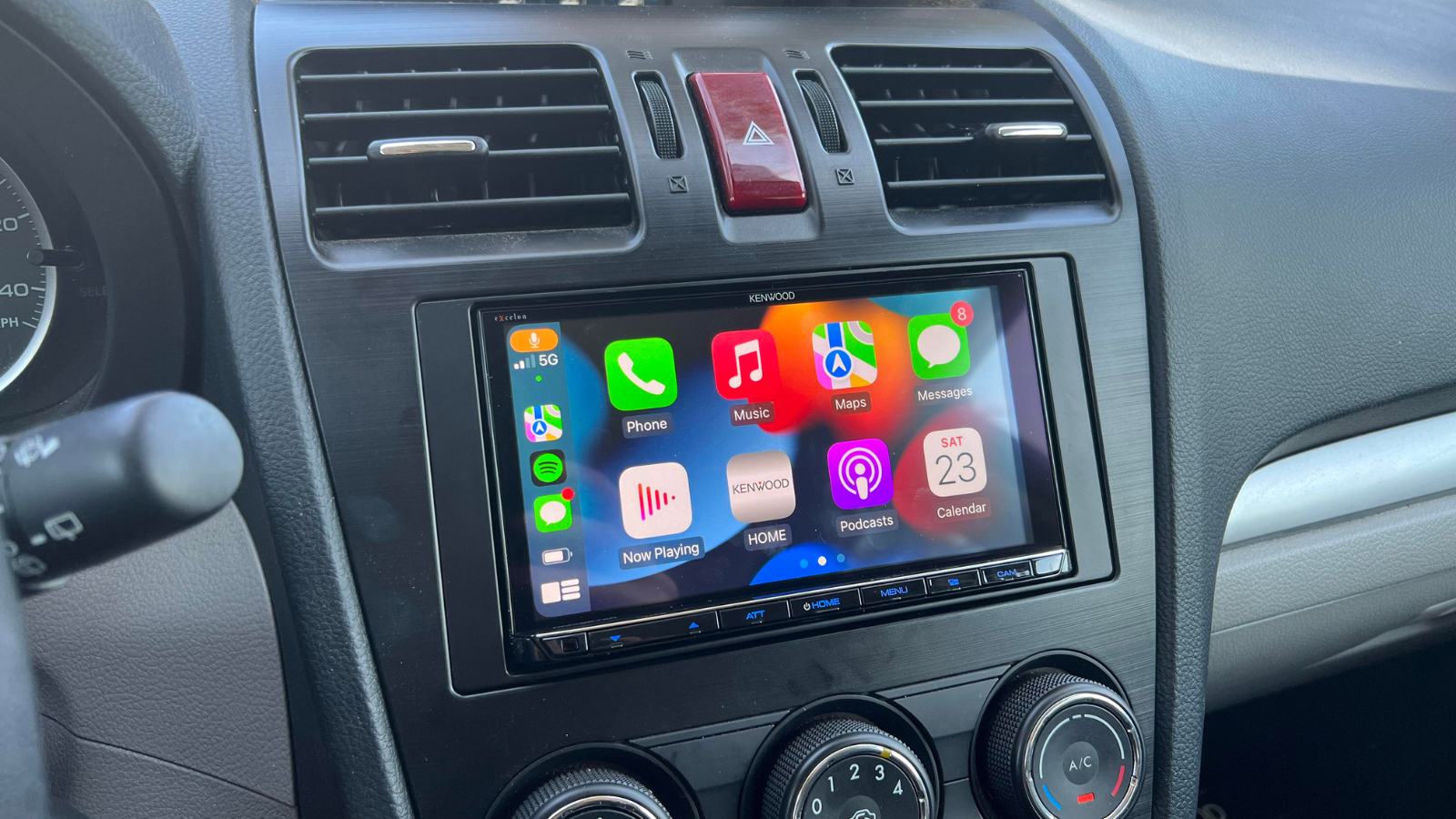
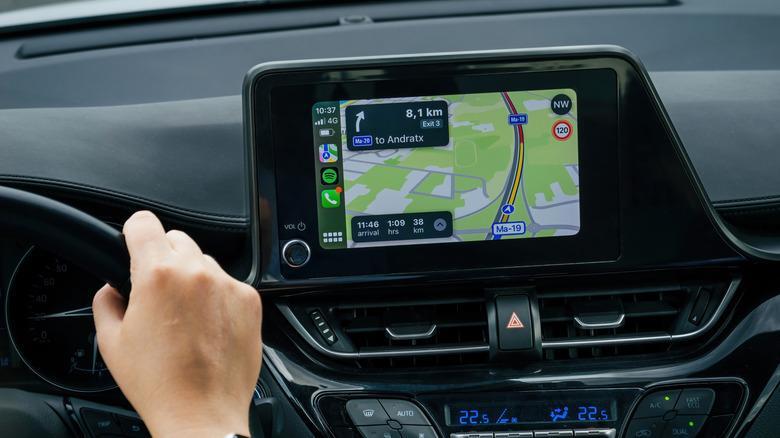
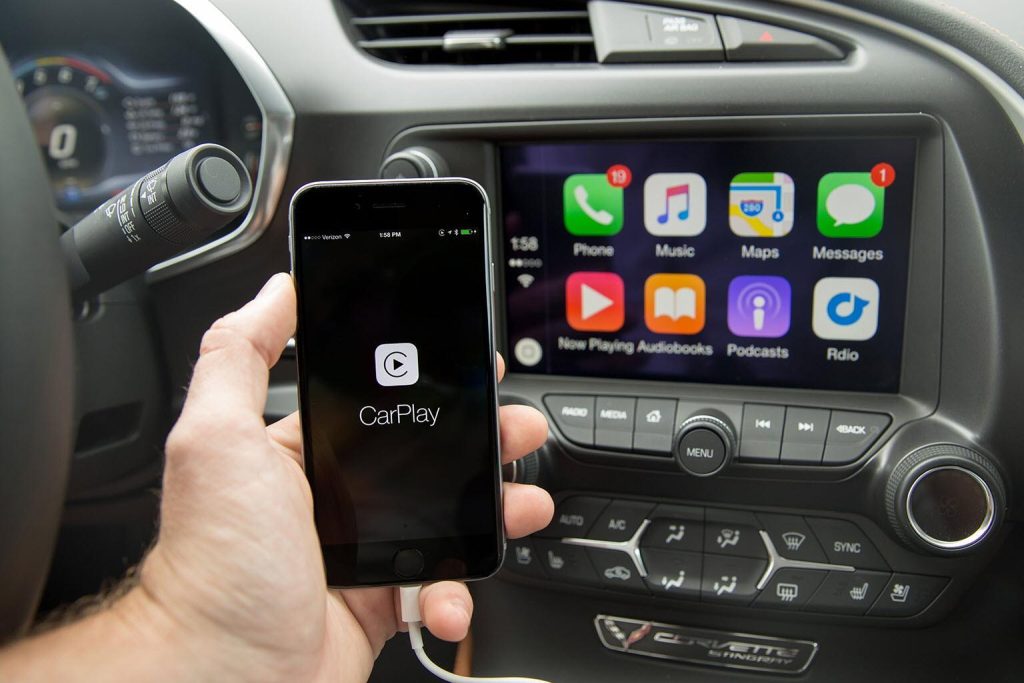
Apple CarPlay and Android Auto have transformed the driving experience by bringing your favorite smartphone apps directly to your vehicle’s touchscreen. Whether you’re using navigation, streaming music, making hands free calls, or sending messages with voice commands, these systems make every drive more convenient and safer.
At Sound Source, one of the most common questions we hear is, “Why does my wireless Apple CarPlay disconnect?” Many customers assume something is wrong with their radio, but in most cases, the system is operating exactly as designed.
Understanding how wired and wireless CarPlay work can help you choose the right system and better understand why occasional interruptions can happen.
What Are Apple CarPlay and Android Auto?
Apple CarPlay and Android Auto allow your smartphone to integrate directly with your vehicle’s infotainment system.
Once connected, you can safely access many of your favorite apps without taking your hands off the wheel.
Some of the most popular features include:
Turn by turn navigation with Apple Maps, Google Maps, or Waze
Music streaming through Spotify, Apple Music, Pandora, and other apps
Hands free calling and text messaging
Voice control using Siri or Google Assistant
Podcasts, calendars, and other supported applications
Whether you’re commuting across town or taking a road trip, these features make driving more enjoyable while helping you stay focused on the road.
Wired vs Wireless Apple CarPlay
There are two ways to connect your phone to your vehicle.
A wired connection uses a USB cable between your phone and your radio.
A wireless connection uses Bluetooth to establish the initial connection, then switches to a dedicated 5 GHz WiFi connection to transmit nearly all of the audio, navigation, and app data between your phone and your radio.
Both options provide the same overall features, but each offers different advantages.
A wired connection is generally the most stable because the data is transmitted through a physical cable.
Wireless CarPlay offers unmatched convenience by automatically connecting every time you start your vehicle without needing to plug in your phone.
Why Can Wireless CarPlay Disconnect?
One of the biggest misconceptions is that a wireless interruption automatically means there is something wrong with your radio.
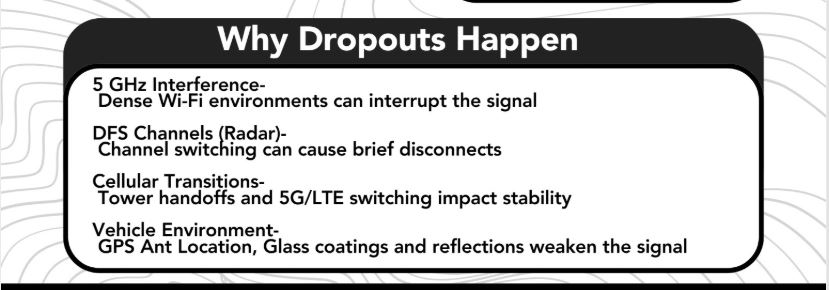
In reality, wireless Apple CarPlay and Android Auto rely on a high speed WiFi connection between your phone and your receiver. Because this connection is operating inside a moving vehicle, several outside factors can temporarily interrupt the signal.
Some common causes include:
High density WiFi environments like shopping centers, apartment complexes, airports, and busy parking lots
Switching between cellular towers or moving between 5G and LTE networks
Temporary 5 GHz wireless interference from nearby devices
GPS signal changes as your vehicle travels through different environments
Phone software updates or operating system bugs
Wireless congestion from nearby vehicles using similar technology
Most of these interruptions are brief and do not indicate that your radio is defective or improperly installed.
Did You Know?
Your wireless Apple CarPlay connection is managing several different technologies at the same time.
Your phone may be communicating through:
Bluetooth
5 GHz WiFi
GPS satellites
Cellular towers
Siri or Google Assistant
Music streaming services
All of these systems are working together while you’re driving. Because so many wireless technologies are involved, occasional interruptions can happen even when everything is functioning properly.
Sound Source Pro Tip
If you experience occasional wireless interruptions, try connecting your phone with a USB cable.
If the issue disappears while using a wired connection, the cause is often environmental wireless interference rather than a problem with the radio itself.
This is one of the first troubleshooting steps our technicians use when diagnosing Apple CarPlay and Android Auto connectivity concerns.
Choosing the Right Radio
Not all aftermarket radios perform the same.
At Sound Source, we install trusted brands like Kenwood and JVC because they consistently provide excellent Apple CarPlay and Android Auto performance.
Whenever available, we also update the radio’s firmware during installation to ensure you have the latest software improvements and compatibility updates.
Our goal is to provide a system that works reliably while giving you the latest technology available.
Let Sound Source Help You Stay Connected
Whether you’re upgrading an older factory radio or adding Apple CarPlay and Android Auto for the first time, our experienced team can help you choose the right solution for your vehicle.
We’ll explain the differences between wired and wireless systems, answer your questions, and professionally install your new radio so you can enjoy a safer, smarter, and more connected driving experience.
Stop by Sound Source in Pocatello or contact our team today to learn more about upgrading your vehicle with Apple CarPlay and Android Auto.